
Reviewed October 22, 2026. Alabama is changing the online system used for food and family cash assistance, but the first ACES rollout covers five counties. Child health coverage, child care, WIC, utility assistance and unemployment still have their own routes. Choosing the correct office matters more than filling out the same information on several websites.
This independent guide explains where to start and what to check after submission. Agencies determine eligibility and funding; a confirmation screen, benefits card or apartment listing is not an approval for every service.
Match your need to the next task
| Need | Starting route | What to confirm next |
|---|---|---|
| Groceries | DHR SNAP; check your county’s portal | Interview, requested proof and case connection |
| Child or family health coverage | ALL Kids / Alabama Medicaid | Coverage category and any annual premium |
| Family cash support | DHR Family Assistance | Application, interview and JOBS instructions |
| Child care while working or studying | Regional Child Care Management Agency | Eligibility, provider participation and authorization |
| Utility bill or shutoff | Local Community Action Agency | Current funds and crisis intake |
| Affordable rental or voucher | Property manager or local housing authority | Which property or waiting list is accepting applications |
| Lost wages | Alabama Department of Labor Claimant Portal | Initial claim and separate weekly certifications |
SNAP: check whether your county has moved to ACES
DHR’s October 1 announcement says the ACES pilot begins October 5, 2026 in Montgomery, Elmore, Tuscaloosa, Dallas and Talladega counties. This is not evidence of a completed statewide change. Check the county named on your notice before selecting a portal.
The official ACES guide provides account and case-connection instructions. If you already have an ACES account, use it instead of creating another. Existing recipients should follow the directions for connecting current benefits, then check whether notices and requested documents appear under the correct case.
For counties outside the pilot, the ACES entry page directs SNAP users to MyDHR and TANF users to OneAlabama. If your county gives newer instructions, follow those. A portal transition does not excuse a renewal or verification deadline printed on your notice.
Food Assistance can also start through county DHR. Ask about expedited screening if food and available money are very limited. Before an interview, organize the income and expense records requested for your household. Older households should ask about AESAP: DHR describes it for households whose members are all at least 65 and have no earned income. Do not assume a household qualifies merely because one person is retired.
WIC uses a health-department appointment
For pregnancy, postpartum or breastfeeding nutrition support and eligible children under five, use Alabama WIC’s application instructions. Arrange an appointment with the county health department and bring the person applying, including the infant or child. Prepare identification, address evidence and proof of participation in Medicaid, SNAP or Family Assistance, or the requested household income records. These benefits can help establish income eligibility; they do not replace WIC’s nutrition assessment and enrollment appointment.

Our practical take: separate account access from the case task
Editorial analysis. During the five-county ACES pilot, describe the exact problem before asking for help: signing in, connecting existing benefits, locating an application or responding to a dated request. These are different questions. Keep the relevant notice beside your own record of the submission date and document names. Avoid creating another account simply because the case is not immediately visible.
If a requested document appears in your upload history, ask whether it is associated with the correct person, program and request. That history helps explain your question; it is not a substitute for an interview or an agency answer about missing evidence. For a case outside the pilot, follow the current county instructions rather than inferring a statewide change from a general portal message. DHR’s launch announcement says the system change itself does not change issuance dates or benefit amounts.
Public-guidance check, October 23, 2026: we read DHR’s account and document guidance and checked the dated pilot announcement. No private account, upload or case was tested.
Medicaid and ALL Kids: route each family member separately
The joint ALL Kids and SOBRA Medicaid application routes eligible children to the appropriate coverage program. A parent and child may have different eligibility categories. Use Alabama Medicaid’s application guidance for the category involved, particularly when applying on the basis of age, disability or a need for long-term services.
For ALL Kids, the current premium and copayment page lists annual premiums: $52 per child in the low-fee group, capped at $156 per family, and $104 per child in the fee group, capped at $312. The no-fee group has no premium or copayments. These are not monthly charges and do not describe every Medicaid child’s costs.
ALL Kids also describes an annual out-of-pocket limit of 5% of the income used to establish eligibility. Keep premium and copayment receipts and contact the program when approaching the limit; the family must report those expenses. Confirm the effective date, provider participation and any payment instructions before assuming a scheduled visit will be covered.
Make the ALL Kids expense record useful before the annual limit is reached
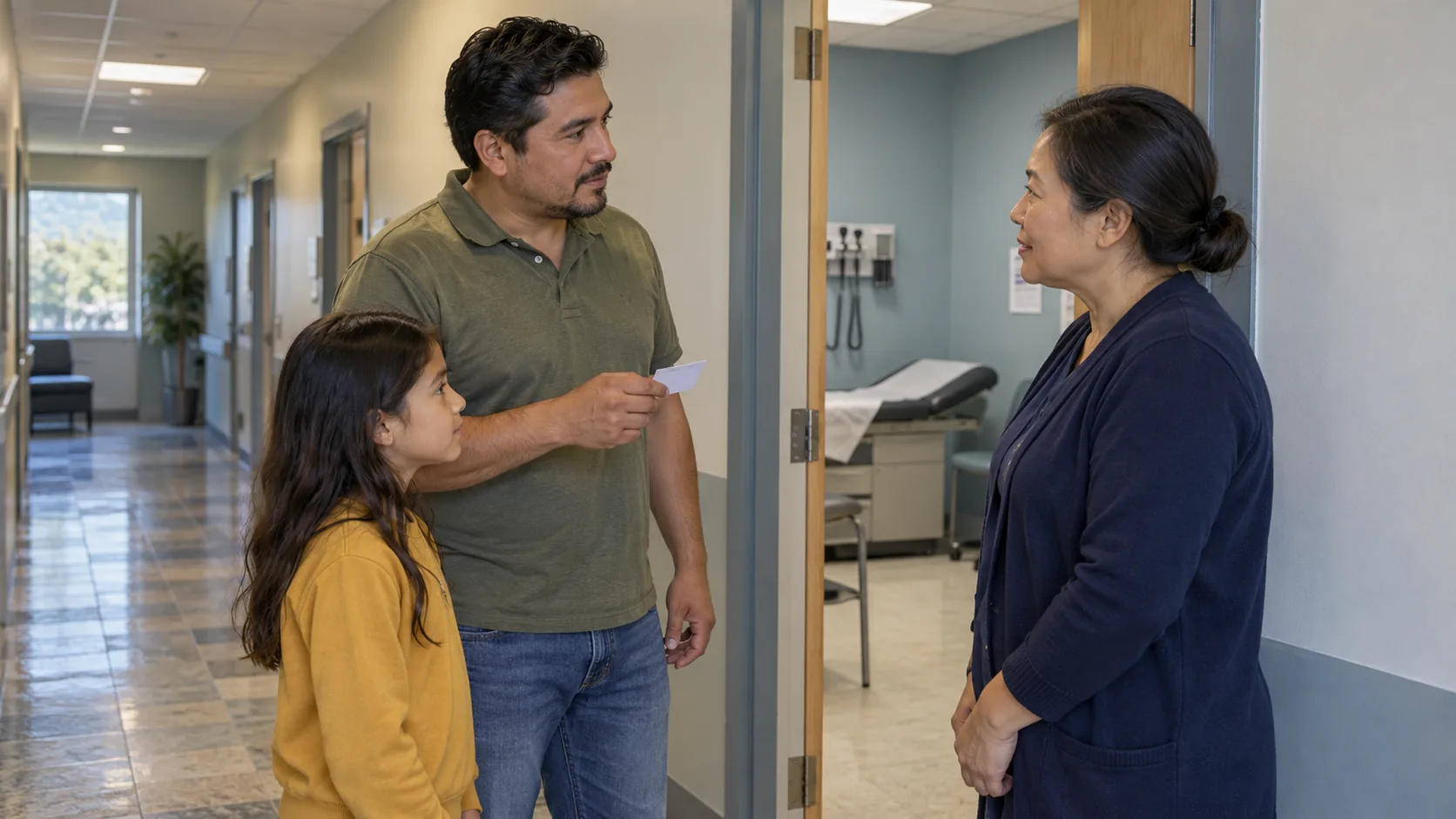
Editorial analysis. Start with the child’s actual fee group and coverage period. Keep the annual premium separate from each medical or dental copay; a premium receipt alone does not explain the cost of a visit. Ask customer service which expenses and receipts belong in the family’s annual out-of-pocket record rather than mixing in unrelated bills or assuming every child’s coverage follows ALL Kids rules.
The state places responsibility on families to contact ALL Kids when they are close to the limit. A practical record therefore needs the child’s name, service or premium date, amount paid and receipt, kept privately. Ask the program for the family’s exact maximum and what to submit; do not assume a clinic will automatically aggregate every payment. A dispute about a charge and a missing eligibility or renewal document may need separate follow-up even when both concern the same child.
Public-guidance check, October 23, 2026: we read the ALL Kids premium, copay and annual-limit explanation. We did not verify a member’s bill, coverage, receipt eligibility or appointment.
Family Assistance: track cash and the JOBS plan separately
Family Assistance is Alabama’s TANF cash program for qualifying families with dependent children. Use the county-appropriate DHR application route above. Ask which documents, interview and eligibility steps remain after submission; a SNAP award does not by itself establish a cash award.
The same DHR page explains that JOBS provides employment and training services to parents receiving cash assistance. If assigned to a plan, explain barriers such as child care, transportation or a health condition before missing an activity. Ask the worker to record the agreed next step and whom to contact when circumstances change. Keep the cash decision and the employment-service appointment as separate entries in your case record.
Child care: contact the regional management agency
The child-care subsidy overview directs families to regional Child Care Management Agencies, or CMAs. This is a different process from uploading income proof to a SNAP case. Use DHR’s CMA directory to identify the office serving your county and ask which work, school or training records it needs.
Before committing to a provider, confirm four items: the provider participates in the subsidy program, has a place for your child’s age, can cover your actual schedule and is included in the authorization. Ask what you must pay and whether registration, extra hours or other charges are outside the subsidy. An eligibility determination alone does not establish a provider’s opening or the start date of paid care.
Utility assistance: apply locally, not to ADECA
ADECA’s LIHEAP page links to local Community Action Agencies that handle household applications. ADECA does not schedule appointments or process those applications. Use the county contact to confirm current intake, remaining funding and any crisis process; a statewide program description is not proof that your local office has appointments today.
Have the utility account, service address, recent bill and any disconnect notice available. State the actual shutoff date at the start of the conversation. Ask whether the agency needs information from a landlord when utilities are included in rent, and whether other assistance is available if this fund is exhausted. Contacting the utility about payment arrangements can proceed while the assistance office reviews the request.
Housing: distinguish an apartment search from a voucher application
The Alabama Housing Finance Authority apartment finder helps identify rental properties. Contact the property’s leasing office about vacancies, eligibility and its application. A listing does not reserve a unit or put you on a housing authority’s voucher waiting list.
For public housing or a Housing Choice Voucher, identify the local agency through HUD’s housing-authority contacts. Record the exact list name, whether it is open and how to update an existing application. If an eviction notice has a court date, seek legal assistance as well as rental help; a pending financial application is not a court extension.
Unemployment: an initial claim is only the first task
The Department of Labor claimant page links to the official Claimant Portal for initial applications, weekly certifications, account information and appeals. Use that route rather than old pandemic-assistance instructions or a paid application service.
Save the initial confirmation and read any issue or document request in the account. Complete the weekly certification for the week shown, answer earnings and availability questions accurately, and keep the required work-search record. If a weekly submission fails, record the date and error and ask the department how to complete that week. Starting another initial claim is not a substitute for resolving an existing claim’s missing certification.
A practical record for a household using several programs
- Write down the owner of each task. County DHR handles SNAP or cash, a CMA handles child care, a health department handles WIC and a Community Action Agency handles LIHEAP. Send documents to the office that actually requested them.
- Keep dates beside the request. Record the submission, interview, document deadline and next renewal. During the ACES pilot, also note which portal your county told you to use.
- Check receipt and decision separately. Save upload confirmations, then verify that the document reached the correct case. A received document does not mean eligibility has been approved.
- Use the notice’s review instructions. Ask which missing fact or rule produced an adverse decision and follow the stated review or appeal deadline. Keep a copy of anything submitted to challenge it.
Official sources and related guides
The linked Alabama DHR, Public Health, Medicaid, ADECA, AHFA and Department of Labor pages support the program details above. Local funding and rollout instructions can change after this review. The state guide directory covers other states; their portals, income rules and deadlines should not be substituted for Alabama’s.